
Why Your Client Portal Goes Quiet After Week Two (And How to Fix It)
Nearly every agency I have worked with sets up a client portal, gets a week of excitement, and then watches it go silent. The reason is almost never the software. Here is what actually kills adoption, and the onboarding change that fixes it.
Founder & Product Lead · Droova
Contents 5 sections
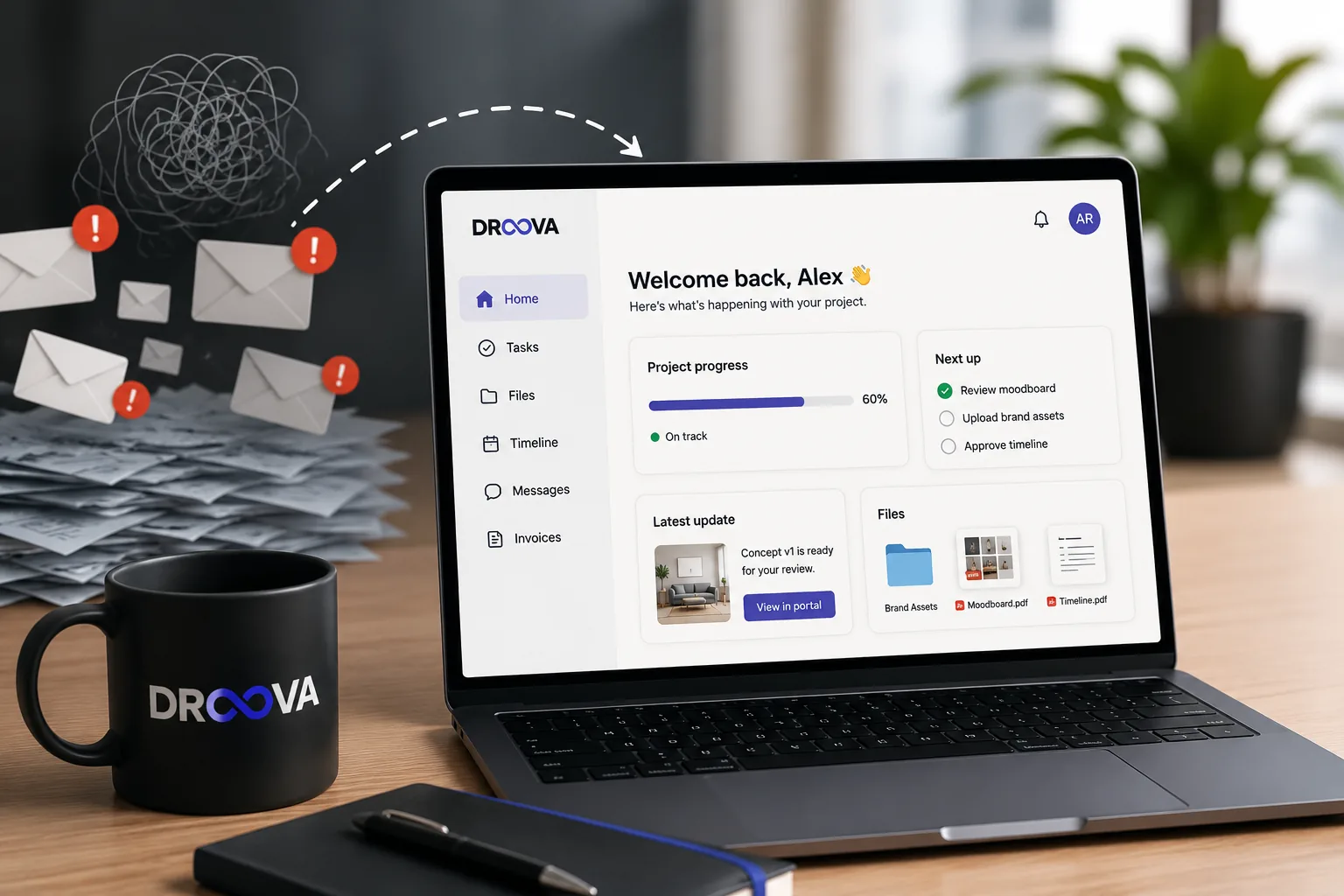
I have set up client portals more times than I can count, for my own client projects over the years, and now I get to watch how agencies onboard their clients inside Droova. And there is a pattern so reliable I can almost put a date on it. Week one, everyone is excited. The portal looks clean, the client logs in, they say "oh this is great, so much better than email." By week two, it is a ghost town. Three weeks in, you are back in the inbox pasting the same status update you already posted in the portal.
For a long time I blamed the tool. Wrong features, too clunky, not branded enough. So I would switch tools, and the exact same thing would happen with the new one. Eventually I had to admit the uncomfortable thing: the software was almost never the problem. The way we handed the portal to the client was.
The death spiral, step by step
Here is how it actually plays out, every time.
You finish building the portal. You are proud of it. You fire off an email: "Hi, we have set up a portal for your project, here is the link, let us know if you have questions." The client clicks it once, has a quick look, sees a screen they do not fully understand, and closes the tab. Nothing bad happened. They just did not have a reason to stay.
Two days later they need something. Instead of opening the portal, they do the thing they have done for twenty years: they email you. And here is the moment that decides everything. You reply in the email. You do not say "I have posted the answer in your portal." You just answer. Because it is faster, and you are busy.
That single reply teaches the client that email still works. And if email still works, the portal is optional. Optional tools do not get used. That is the whole game, right there.
Why "just send them the link" never works
A portal is a habit change for the client, and you cannot change a habit with a link and a shrug. When you send a bare link, you are asking a busy person to (a) figure out what this new thing is, (b) work out what they are supposed to do in it, and (c) remember to come back, all with zero payoff on the first visit. Nobody does that.
Compare it to how the tool itself is designed. A good client portal removes friction on the client side: no account to create, a single branded link, an interface a non-technical client understands in seconds. That matters a lot. But even the best-designed portal cannot fix a bad handoff. The friction that kills adoption is not in the software, it is in the empty first visit.
What actually changed it for me
Four things. None of them are clever. All of them are about the handoff, not the tool.
1. Set the portal up on the kickoff call, with the client watching
I stopped emailing the link cold. Instead, in the last five minutes of the kickoff call, I would share my screen and say "let me show you where everything for this project is going to live." We would open the portal together. They would see their name, their project, their brand colours. By the end of the call they had already been inside it once, with me narrating what each part was for. That first guided visit is worth more than ten polished emails.
2. Give the client exactly one job
Adoption dies when the client does not know what they are supposed to do. So I gave them one clear action on day one. Usually: "Your only job this week is to upload your brand assets here and approve the timeline." One button, one outcome. Once a client has successfully done a single thing in the portal, it stops being a mystery box and becomes the place where the project happens.
3. Stop rewarding email
This is the hard one, and it is the one that mattered most. When a client emailed me a question that belonged in the portal, I stopped answering in email. I would reply with one line: "Great question, I have answered it in your portal here [link] so it stays with the project." It feels rude the first two times. It is not. Within a couple of weeks the client learns that the portal is where answers live, and the emails simply stop. You are not being difficult, you are protecting the client's own single source of truth.
4. Make the first win happen in the portal, not the inbox
The first meaningful moment of a project, the first deliverable, the first approval, the first "here is where we are," has to happen inside the portal. If the first draft lands in an email attachment, you have just told the client that the real work happens in email and the portal is a formality. Put the first deliverable in the portal, ask for the first approval in the portal, and let them feel the win there.
The deeper reason this is so hard to get right
Here is the part most tool comparisons miss, and it is the bridge between everything above and the tool you choose. The handoff is what kills adoption, and a disconnected portal makes that handoff impossible to sustain. A portal only survives if it is genuinely where the work lives, not a mirror of work that actually happens somewhere else. If your projects run in one tool and the client portal is a separate app you update by hand, you will always be tempted to skip the update, and the client will always sense the portal is an afterthought. That gap is exactly why so many agencies quietly abandon standalone portal tools.
It is also why I care so much about the portal being built into the same place the team already works. When the portal is just your real project, shared, there is no second system to keep in sync and no reason to fall back to email. That is the whole idea behind client portal software that lives inside your project management, and more broadly behind running the entire client relationship, from lead to delivery, in one agency operating system rather than a stack of disconnected tools.
If you are stitching a portal onto a tool that was never built for client work, the seams show, and clients feel it. It is the same reason agencies eventually hit a wall trying to use guest access as a portal, which I dug into in does Asana have a client portal. And if you serve clients who care about the experience, having the portal carry your brand instead of a vendor's is not vanity, it is one more reason the client takes it seriously.
The one sentence version
Client portals do not die because the software is bad. They die in week two, in the moment you answer one email that should have been a portal reply. Onboard the client into the portal on the kickoff call, give them one job, refuse to reward email, and make the first win happen inside the portal. Do that, and the portal stops being a thing you set up and forget, and becomes the place the whole relationship actually runs.
If you want to see what a portal that clients actually stay in looks like, book a 30-minute demo and bring a live project. I would rather show you than tell you.
More from the journal
Tactics for running service businesses better - without the fluff.
Browse all posts →