
Switching from ClickUp + HubSpot to a Unified Workspace: A 4-Week Agency Migration Playbook
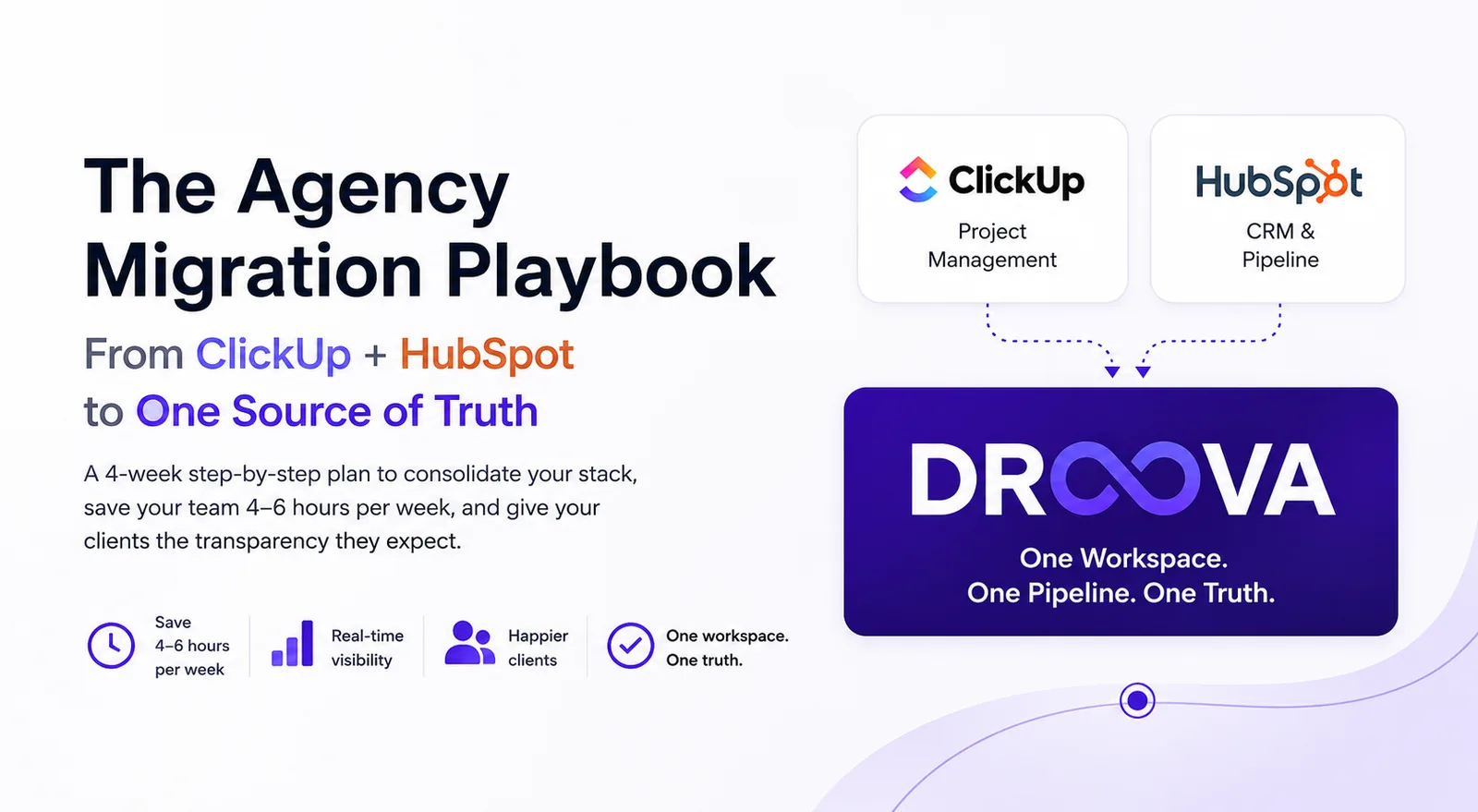
If your agency runs ClickUp for projects and HubSpot for pipeline, you already know the gap. This is the exact 4-week migration playbook our team uses with agencies consolidating onto a unified workspace.
Founder & Product Lead · Droova
Contents 7 sections
If you run an agency on ClickUp for project management and HubSpot for pipeline, you already know the gap. The pieces work individually. Together, they leave your team copying data, your clients asking for status updates, and your AMs losing 4-6 hours a week to operational overhead that nobody wants to admit out loud.
This is the migration playbook we use when agencies decide to consolidate. It's the same sequence we've run with marketing agencies, design studios, and consulting firms anywhere from 4 to 90 people. The work is straightforward; the secret is the order.
Before you start: 3 honest questions
Migration is real work. Before you spin anything up, answer these:
What is the one workflow you can't live without? For most agencies it's the lead → project handoff. For studios it's draft → review → approval. For consulting firms it's deliverable → sign-off. Identify it. Your migration plan flows around protecting this one workflow above all else.
Who is the migration owner? Not the founder. Not "the ops team." One named person usually the ops manager or the partner closest to operations. If you don't have them, you don't have a migration.
What's the date you turn off the old tools? Without a date, you'll end up running both stacks in parallel for 6 months and getting the worst of both. Pick a date 4-5 weeks out. Tell the team. Stick to it.
Week 1: Foundation
The goal: Your workspace exists, is branded, and one engagement is set up as a template. No clients on it yet.
Day 1-2: Workspace branding
Set up the workspace with your agency logo, brand colors, and (if doing white-label client portals) your custom domain. Configure team roles: internal, freelancer, contractor. Add your AMs and senior leads first; broader team can wait.
Day 3-4: Pipeline mapping
Look at your HubSpot pipeline stages. Most agencies have something like: New Lead → Discovery Call → Proposal Sent → Negotiation → Closed Won / Closed Lost. Recreate the same stages in your new CRM. Add custom fields you care about (lead source, expected value, decision deadline).
Day 5: Build your first engagement template
This is the unlock. Pick your most common engagement type a 6-month retainer for marketing agencies, a brand sprint for design studios, a strategy assessment for consultants. Build it once as a workspace template. Include workstreams, default tasks, deliverable approvals, and the client portal layout. Time invested: 4-6 hours. Time saved on every future engagement: hours per onboarding.
Week 2: First client migration (the pilot)
The goal: One real client engagement is fully running in the new tool. Old tools still active in parallel but only for the other clients.
Day 1-2: Pick your pilot client
Don't pick your biggest or hardest client. Pick a mid-tier retainer client where the engagement is going smoothly. You want signal on the migration process, not heroics under pressure.
Day 3-4: Import the engagement
Copy the active workstreams, deliverables, and history from ClickUp. Don't try to import 18 months of historic data just bring forward what's active and what's referenced. Tag the existing files (link them, or upload key ones). Set up the engagement margin tracking from the start.
Day 5: Activate the client portal
This is the moment you tell your pilot client. Frame it as an upgrade ("we've moved you to a more transparent workspace so you can see real-time progress"), not a migration ("we're switching tools"). Show them the portal in a 15-minute call. Most clients love it.
Week 3: Scale up
The goal: All active retainer clients have moved over. You can credibly say "we run on Droova now."
Day 1-3: Batch-migrate remaining engagements
Same pattern as your pilot, but now you have the template and the muscle memory. A typical AM should be able to move 3-5 engagements per day. Stagger this across the team so no single AM is overloaded.
Day 4: Codify 3-5 more templates
You've now seen 5+ engagements move. Patterns are obvious. Codify them as templates: brand sprint, retainer SEO, paid acquisition, strategy assessment, audit. Your firm's IP now lives in templates that future hires inherit automatically.
Day 5: Train the broader team
Run a 60-minute walkthrough for everyone not yet active. Record it for future hires. Set up a #droova-help channel in Slack (last gasp use of Slack before it becomes optional).
Week 4: Reporting + steady state
The goal: Old tools are turned off. Reporting is live. You can answer the partner's "how's the business?" question from one dashboard.
Day 1-2: Configure dashboards
Engagement margin, hours-to-budget, pipeline forecast, renewal risk. These are the four reports that matter for any agency. Set them up once; refresh forever.
Day 3: Turn off ClickUp
Export anything historic you need (most agencies don't end up needing it). Cancel the subscription. Tell the team. Make it ceremonial print the savings on the wall if you want.
Day 4: Turn off HubSpot (or downgrade)
If you used HubSpot only as a sales pipeline, kill it entirely. If you also use HubSpot Marketing Hub for email automation, keep that but cancel Sales Hub. Most agencies cut HubSpot 60-70%.
Day 5: Steady state review
Get the team together. What's working? What still feels broken? Capture the friction points and fix them in the next 2-week cycle. Migration is technically done. Operationally, you're now optimizing on top of a single source of truth.
Gotchas : the things that always go sideways
Time tracking is the hardest piece to migrate. AMs are habitual about it. Have them parallel-track in both tools for the first 2 weeks, then cut over hard.
One AM will resist the most. They're not being difficult they had a workflow that worked for them. Sit with them for 30 minutes. Map their personal workflow into the new tool. They'll be your strongest advocate by week 3.
One client will be confused. Probably the most senior, least-tech client. Have the AM walk them through the portal in person on a call, not over email. Confusion melts in 5 minutes.
Reports will look weird at first. Because old data structures don't perfectly map to new ones, week 1 reports will have gaps. By week 3 the data is consistent and reports become trustworthy.
The unlock at the end
The best moment in any migration is the first Monday after the old tools are off. The team opens one workspace. The client portal is live. The reporting refresh happens automatically. The integration tax is gone. Your AMs get back the 4-6 hours per week they were losing to context switching and that time goes back into client work, new business, or, finally, taking a real lunch.
Most agencies tell us within 30 days of the cutover that they can't believe they ran on the old stack for as long as they did.
If you want a walkthrough of this playbook applied to your specific stack, book a 30-min demo. Or if you want to see the cost side of the equation first, run the free Stack Audit it'll show you exactly what you're paying for the status quo.
More from the journal
Tactics for running service businesses better - without the fluff.
Browse all posts →